
- Press the SEARCH icon
- Type in the SEARCH field TRANSFER ORDER SHIPMENT ENTRY and select the corresponding result
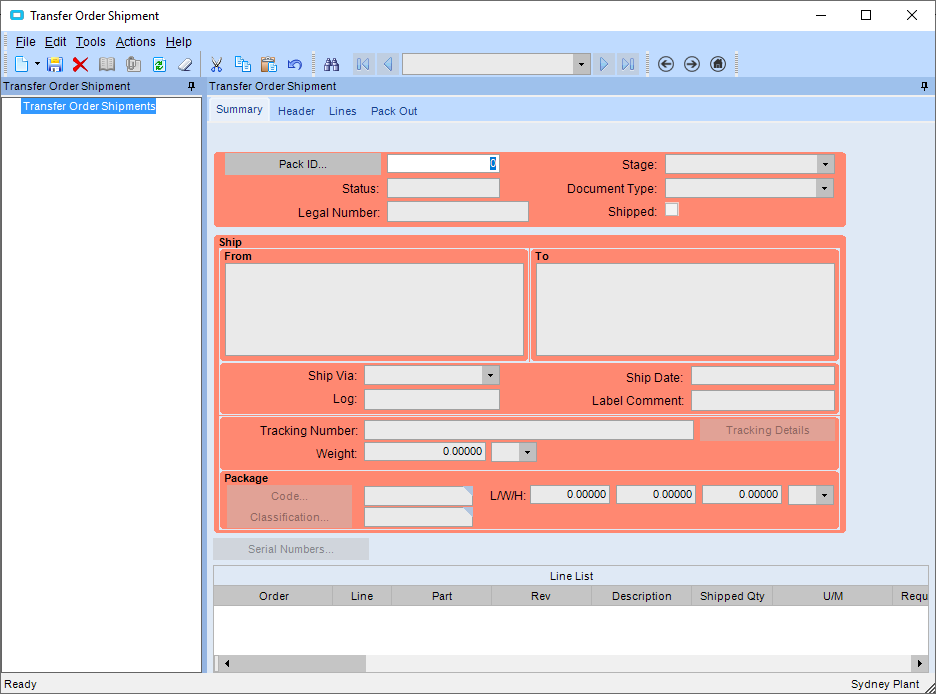
- Press the NEW icon
- Enter in
- the SHIP VIA
- A tracking number you may have
- Any comments for the label
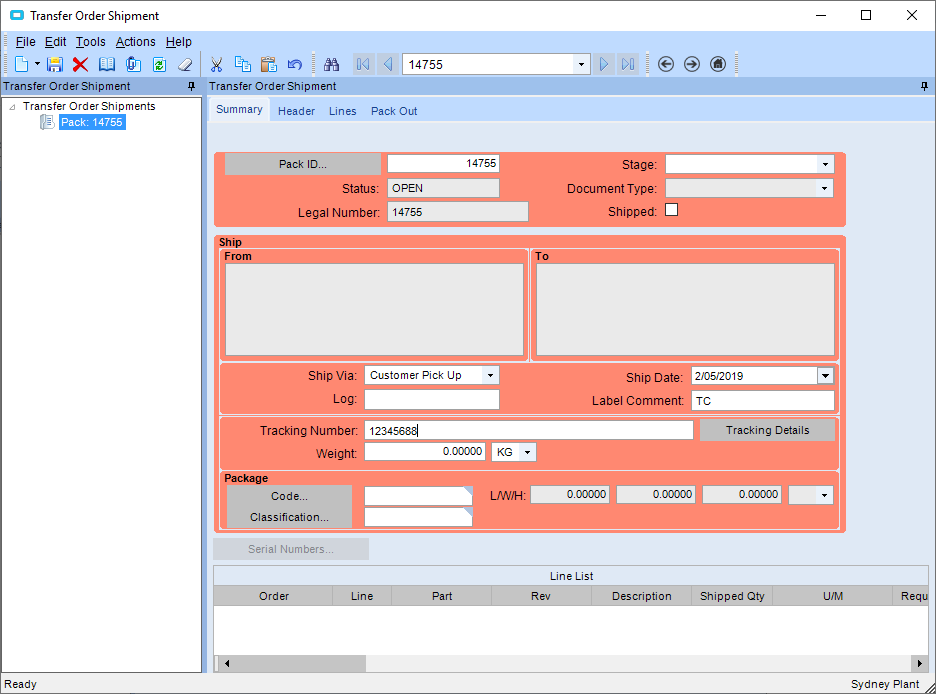
- Press the SAVE button
- Go to the LINES tab
- Press the NEW button
- Enter in the
- transfer order number you want to ship in the TRANSFER ORDER NO field
- the line you want to ship in the LINES field
- the quantity to ship in the QTY field
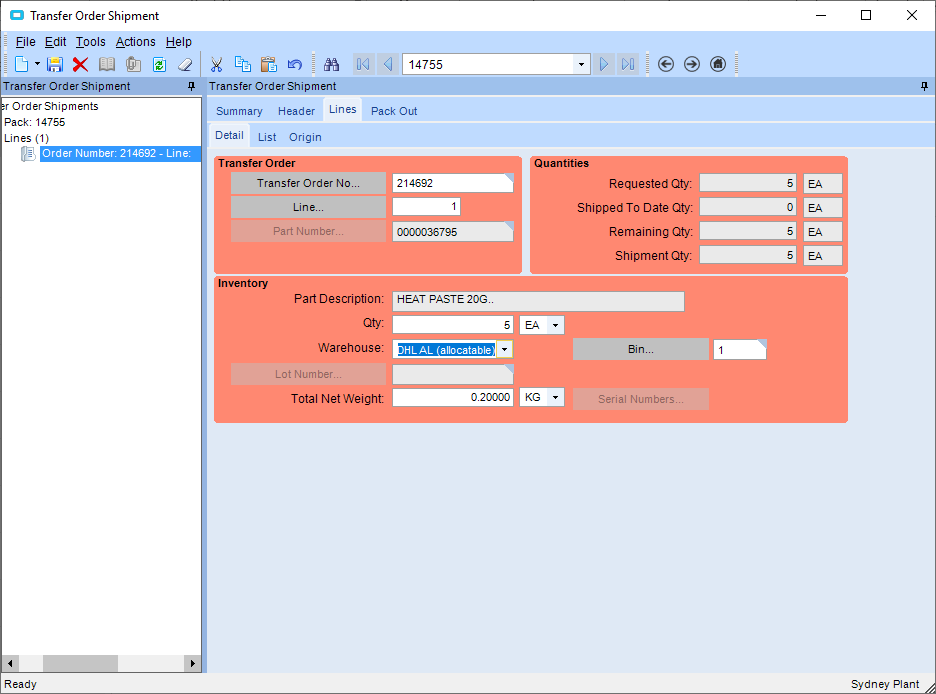
- Press the SAVE button
- if there are other transfer orders or lines on the transfer order you want to ship in the same shipment, press the NEW button and follow the steps above
- Go back to the SUMMARY tab
- Tick the SHIPPED radio button
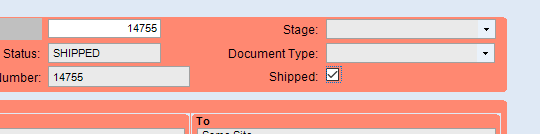
- If you return to the TRANSFER ORDER ENTRY screen and look up the transfer order, the status should now state SHIPPED
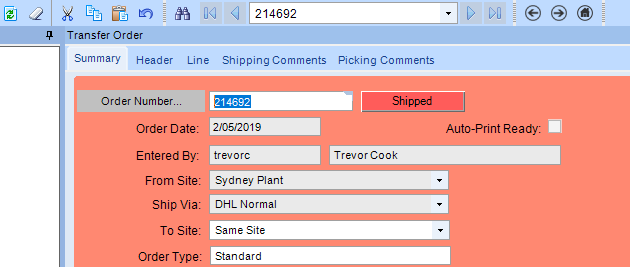
See RECEIVING TRANSFER ORDER for further instructions